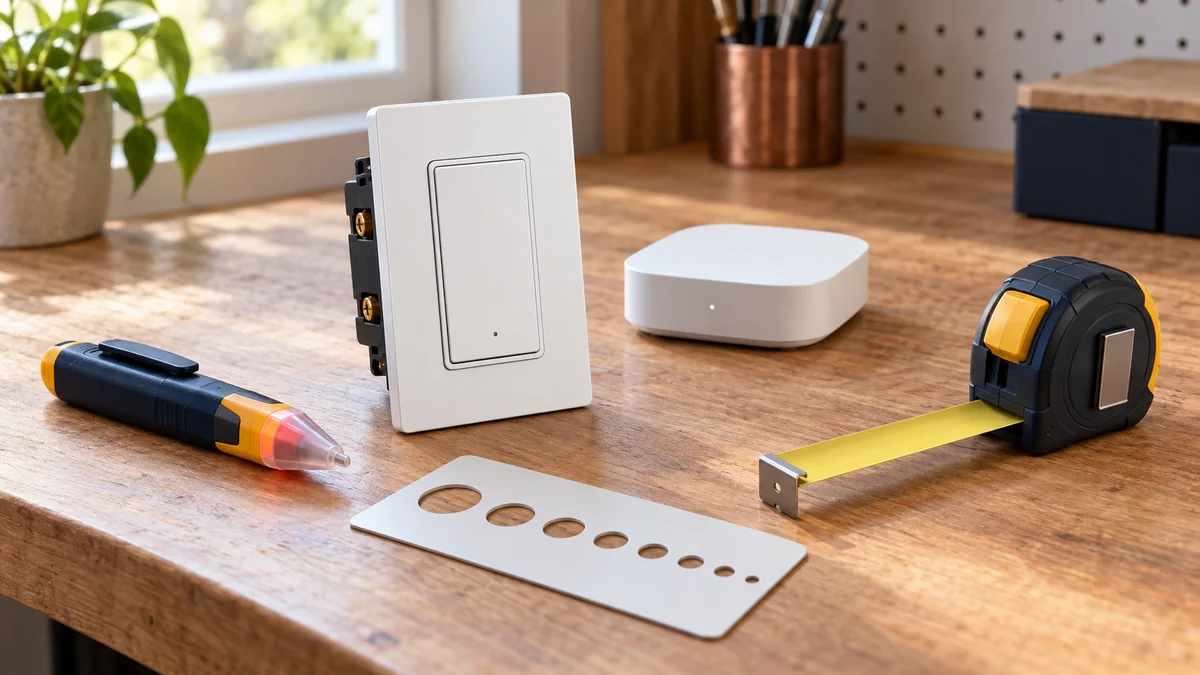
Smart switch compatible with Home Assistant? Buy it only after the wall circuit, connected load, and required radio all match the exact model.
A Home Assistant logo or community recommendation does not prove the switch fits your box, controls your lights, or works without a vendor cloud.
Write down the six lines below before checkout.
If one line is blank, do not order the switch yet.
Do not remove a wall plate or identify conductors while power is on.
Use the existing switch model, panel notes, fixture label, and photos taken during prior safe work; ask a licensed electrician to identify anything uncertain or alter the circuit.
Start with the smart-home troubleshooting map if you already own the switch and it has gone offline. For a new installation, the home installation guide keeps box measurements and mounting work separate from software compatibility.
Smart switch compatible with Home Assistant? Fill six lines
1. Circuit: record single-pole, three-way, or another arrangement exactly as the electrician or existing documentation identifies it.
“Two switches control one light” is useful; guessing which conductor does what is not.
2. Conductors: copy the new switch’s requirement for line, load, neutral, ground, and any traveler or companion wire. Do not infer a neutral from insulation color or from the age of the house.
3. Load: note whether the switch will control dimmable LED, non-dimmable lighting, a fan motor, or another listed load.
Add the fixture’s total watts and check both against the exact switch manual.
4. Box: record gang count and usable depth, then compare both numbers with the published specification for the exact switch.
A supported protocol cannot rescue a body that will not fit the wall.
5. Radio path: write Wi-Fi, Zigbee, Z-Wave, or Matter over Wi-Fi or Thread. Put the controller you already own on the same line, not a controller you assume Home Assistant contains.
6. Behavior: name the entities you need and what the paddle should do when Home Assistant, the router, or the internet is unavailable. On/off alone is a different purchase from dimming, multi-tap scenes, energy data, or detached relay control.
This card prevents two returns at once: the switch that cannot be installed and the switch that joins Home Assistant but omits the control you bought it for.
The protocol label tells you what else must exist
Zigbee does not connect directly to Home Assistant software by name alone.
The official ZHA documentation says the integration uses a compatible Zigbee coordinator, and it warns that there is no official out-of-box compatibility list for every device.
A switch may pair yet expose the wrong device class, miss expected entities, or need a device-specific handler. That makes an exact model report more valuable than “Zigbee 3.0” printed on a marketplace title.
Z-Wave has a similar hardware chain.
Home Assistant’s Z-Wave documentation lists an adapter, a Z-Wave server, the integration, and the end device as separate pieces; it also tells buyers to match the device’s radio region.
Matter is not one radio.
The Matter documentation separates Matter over local Wi-Fi from Matter over Thread, and a Thread model needs a nearby Thread border router. A Thread logo by itself does not establish Matter support.
Count that hardware.
“I need to figure out what controller I want and go from there.” — a new Home Assistant user after asking which switches work, in the Home Assistant Community
That order is half right. Choose the controller path before the brand, but only after the six physical lines prove that the switch belongs in the wall.
Compatibility means the exact model exposes what you need
Search the official Home Assistant integrations directory for the maker or protocol, then check the exact model in the integration documentation or its linked device database. “Works with Alexa and Google” is not evidence of a local Home Assistant integration.
Prefer a documented local path when two switches fit the same circuit and load. Local control removes a vendor-cloud dependency, but it does not remove your coordinator, border router, LAN, or Home Assistant server from the path.
Then test the promised entities on paper. If you need a dimmer, the documentation should identify dimming support and the approved load; if you need scenes, find the event or button support for that model rather than assuming every paddle press appears in Home Assistant.
Keep manual fallback as a hard requirement for ordinary room lighting. The physical control should still provide its documented basic function when an automation is broken, unless you have deliberately designed a smart-bulb circuit and accepted that dependency.
If smart bulbs are part of the plan, read why a smart bulb can stop working with a wall switch before buying both layers. Cutting power at the paddle and expecting the bulb’s radio to stay online is a design conflict, not a Home Assistant bug.
Questions to settle before checkout
Does every Zigbee switch work with ZHA?
No. ZHA supports standard Zigbee device types, but its own documentation notes that manufacturers can implement non-standard features, omit expected entities, or expose none. Check an exact model report and decide whether basic on/off is enough.
Do I need another hub?
You need the correct connection hardware, although it may be a USB adapter, an existing border router, or a documented bridge rather than a box sold as a hub. List what you already own before adding the controller cost to the switch price.
Can I buy a no-neutral model without opening the box?
You can shortlist one from official specifications, but you cannot confirm the wall matches by assumption.
Have the conductors and circuit identified safely before the return window closes, and do not use a no-neutral label to ignore load or bulb restrictions.
My recommendation is simple: reject any listing that promises broad ecosystem support but does not provide an exact manual, supported load, circuit requirement, and documented Home Assistant path. Do not buy first and use pairing as the compatibility test.
Fill the six lines now. The correct smart switch compatible with Home Assistant is the one that matches every line before anyone changes the wiring.

Bolt & Bulb covers what goes wrong after the unboxing: devices that drop off Wi-Fi, dimmers that flicker with LED bulbs, locks that will not fit a rental door. The site draws on manufacturer documentation, platform support pages and release notes, and attributed owner reports in public forums.