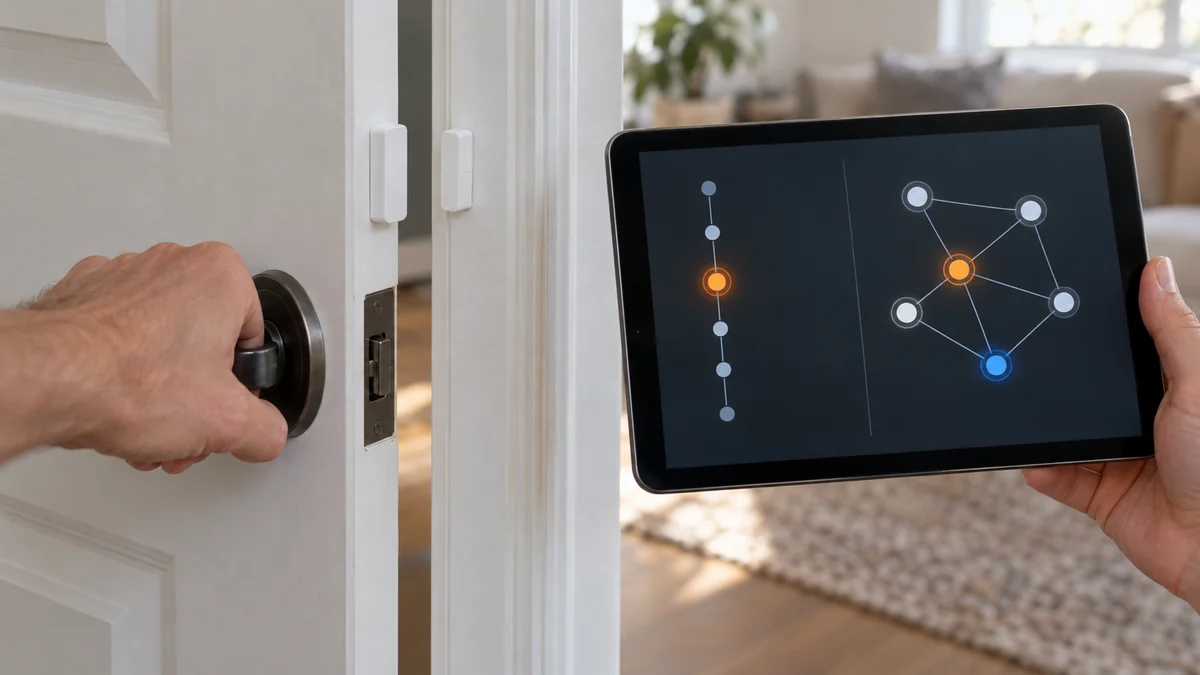
Aqara sensor not updating Home Assistant can still be paired to your Zigbee network.
Trigger one real event, then check whether the entity history changes.
If only one sensor stays frozen, test its battery and route before deleting it. If several Zigbee devices stop together, investigate the coordinator or mesh first.
Do not re-pair yet.
The fast answer: write down the last real event, the last recorded change, the affected-device count, and the sensor’s location. Those four facts separate a stale display from a silent sensor, a broken route, and a wider Zigbee failure.
Aqara sensor not updating Home Assistant may still be paired
A frozen value is not the same as an unavailable device.
A door entity can remain “closed,” or a temperature can remain at yesterday’s reading, while Home Assistant still retains the device and its last known state.
Make the sensor produce the event it was built to report.
Open and close a contact sensor, walk across a motion sensor’s field, or warm a temperature sensor gently in your hand.
Watch the device page and its history rather than relying on one dashboard card that may have failed to refresh.
Record the time before and after the event. Also note whether the device becomes unavailable, stays available with an old value, or changes one entity but not another.
That distinction matters because battery-powered Zigbee sensors sleep between reports. They do not maintain a continuous conversation like a Wi-Fi camera, and their battery percentage may be old if no new report has reached the coordinator.
“Still connected” in the interface does not prove that a fresh measurement crossed the radio path.
Save this five-line evidence card:
- Exact Aqara model printed on the sensor or its label
- Zigbee integration in use, such as ZHA or Zigbee2MQTT
- Last physical event and last recorded state change
- One affected device or several devices in the same area
- Current location and the nearest always-powered Zigbee router
Find the first missing handoff
Start with scope. If every Zigbee device has stopped, confirm that the integration and coordinator are running before touching an individual Aqara sensor.
If several battery sensors fail in one room but devices elsewhere still report, suspect a shared route or a router that lost power. A switched-off smart bulb can remove a path that nearby end devices had been using.
If only one sensor fails, wake it using the short action specified in that exact model’s manual. Do not improvise a long press, because many Aqara models use a long hold for reset or network pairing.
Watch for a new event immediately after the wake action.
If nothing arrives, inspect the battery contact and install the exact battery type listed for the model.
A recently purchased sensor can have an old shelf battery. Do not let a stale percentage overrule the failed event test.
Then test location, not distance alone. Move the sensor temporarily near a known compatible, always-powered Zigbee router and repeat the same physical event.
Home Assistant’s ZHA documentation says Zigbee end devices depend on router devices for coverage. It warns that some Xiaomi/Aqara products do not work with several router brands.
The guide also recommends pairing at the intended location rather than beside the coordinator and moving the sensor afterward.
That warning changes the buying decision. Adding any Zigbee plug is not automatically a fix; the route must be compatible as well as nearby.
Use the site’s smart home troubleshooting map if failures also appear in Wi-Fi or cloud devices. A wider outage should not be treated as one bad Aqara sensor.
A strong signal number does not clear the route
A link-quality number is a snapshot, not proof that the next event will reach Home Assistant.
It may describe one link, one moment, or the router that last heard the device.
A current Home Assistant Community case showed a window sensor frozen on “closed” even though the user reported a link-quality value of 255 less than a meter from a repeater.
Repeat the same event three times from the installed position and record whether every change arrives. A route that passes once and misses twice is not repaired.
Coordinator placement matters too.
The official ZHA guide identifies USB 3.x ports, unshielded USB devices, power supplies, and nearby Wi-Fi equipment as interference sources for a 2.4 GHz Zigbee radio. It recommends a shielded extension cable and physical separation from those sources.
Do not buy a new coordinator before moving the current adapter away from USB 3 hardware and repeating the controlled event.
If you plan to add an in-wall powered device as part of the mesh, its routing role does not waive its electrical requirements. The site’s no-neutral dimmer guide explains why the exact wall control and load still have to match; use an electrician when the wiring is uncertain.
Re-pair only after you save the evidence
Deleting the device first erases the easiest comparison. Keep the existing entry while you capture its model, route symptoms, and diagnostics.
For ZHA, Home Assistant’s official troubleshooting instructions ask for debug logs, the coordinator model and firmware, the device signature, and downloaded diagnostics when reporting a device problem. Save those items before a reset.
If you use Zigbee2MQTT, do not follow ZHA menu names. Save the equivalent device details, last-seen information, and logs from that integration instead.
Try the integration’s non-destructive reconfigure or interview action only while the battery sensor is awake, if that option exists for your setup.
Re-pair only when the exact model’s instructions are in front of you. Start inclusion through your current Zigbee integration, reset the sensor as its manual specifies, and pair it where it will remain.
Aqara’s product page confirms that its door and window sensor reports changes through a hub and identifies the product as battery-powered. The exact battery, reset action, and reporting behavior still depend on the model, so the label must decide which manual you use.
Replace the sensor when one device still misses controlled events beside a compatible router after a confirmed battery and clean rejoin. Replace or reposition network hardware when several devices fail along the same route.
For an Aqara sensor not updating Home Assistant, the next step is simple: trigger one physical event now and write down the recorded time before you change the network.

Bolt & Bulb covers what goes wrong after the unboxing: devices that drop off Wi-Fi, dimmers that flicker with LED bulbs, locks that will not fit a rental door. The site draws on manufacturer documentation, platform support pages and release notes, and attributed owner reports in public forums.