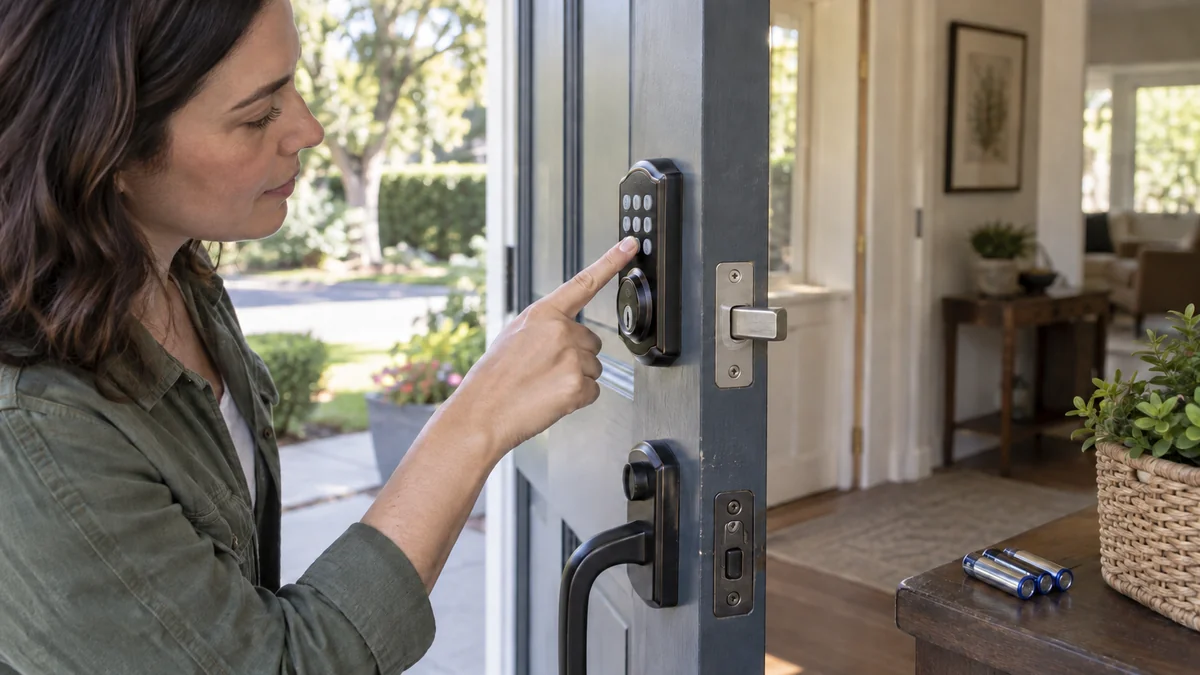
Smart lock keypad not working?
Note what it does before you reset anything.
A dark pad points to power or its wake button; a rejected code points to lockout or code status; an accepted code with no unlock points to weak batteries or a tight bolt.
Keep a physical key, another entrance, or a person inside available while you test.
Then open the door and repeat one unlock cycle. That single comparison separates many electronic faults from a bolt that binds only against the frame.
Smart lock keypad not working? Name the symptom
“Not working” hides three different failures.
| What you see | First branch to test | What not to assume |
|---|---|---|
| No light, tone, or button response | Wake action, battery pack, polarity, and the exact model’s power instructions | The Wi-Fi is not the first suspect |
| Lights or tones, but a valid code is rejected | Temporary lockout, disabled or expired code, and access schedule | The keypad itself may still be healthy |
| Code is accepted, but the bolt does not move | Battery load, door pressure, bolt path, and handing or calibration | A successful beep does not prove the motor can finish |
Maker guidance supports that split. Kwikset’s keypad-response support separates a silent keypad from a lock button that responds but cannot operate, and lists dead batteries, loose cables, missing codes, low power, and door handing as different branches.
Yale’s Unity Slim support page documents a three-minute lockout after five failed PIN attempts for that model. The number matters only for that lock; the useful lesson is to wait for the model’s stated lockout period instead of entering the same code until every press appears dead.
“Locked out of my house because door lock is nonresponsive.” — a homeowner describing the cost of losing the backup route in r/simplisafe
Treat access as the first problem and diagnosis as the second.
Protect one way back in before you touch the batteries
Don’t begin from the porch with the door shut.
Use the key if your model has one, arrange another entrance, or keep the door open with someone inside. Yale says to keep another point of entry; if the phone and PIN are both unavailable on its referenced model, a locksmith may be required.
Now photograph the model label inside the battery cover and record the exact symptom. Note whether the pad wakes, which color flashes, how many tones sound, whether the app still operates the lock, and whether the inside thumbturn feels smooth.
Those details keep you out of the generic-reset loop.
A factory reset can erase codes, schedules, app ownership, or setup data without fixing a weak battery or tight deadbolt. Save it for the exact model’s support flow, after you know the admin account and code needed to set the lock up again.
Check the app log before clearing anything. Unknown failed attempts are a security event; save the log and change exposed codes through the maker’s documented process.
Run five checks with the door open
- Wake the keypad as the manual shows. Some models light from a logo or lock button, not a number key. A dark number row can be normal until you use the right control.
- Replace the full battery set. Use the type listed for your model, install each cell in the marked direction, and reseat the pack. Never mix cell ages or battery types. Low voltage can allow lights or tones while leaving too little power for the motor.
- Wait out lockout, then test one known active code. Confirm the code has not expired, lost its schedule, or been disabled. Try once after the documented delay; repeated guesses only restart some lockout timers.
- Operate the bolt with the door open. Run the keypad unlock and lock cycle, then move the inside thumbturn. If the electronic cycle works open but fails closed, inspect the door-to-strike alignment rather than replacing the keypad.
- Compare another control method. If the app or inside control moves the lock but the exterior pad never registers a press, the fault is in keypad power, its link, its setup, or the pad itself.
Stop if the key or thumbturn is stiff, the bolt scrapes, the lock is loose, or the door must be pushed to finish a cycle. A motor should not be used to force misaligned hardware.
The closed-door comparison is especially useful because Kwikset’s lock and unlock support identifies strike alignment, bolt-hole clearance, and mounting pressure as separate causes on specific models. That means a new keypad would leave the physical resistance untouched.
Skip guides written for a different lock.
Removing exterior hardware or pulling an internal cable on that basis can turn a fixable fault into a replacement, so work from your exact manual or maker support.
Buy the failed part, not the broadest replacement
Keep the lock when fresh approved batteries restore repeatable operation and ten door-open and door-closed cycles finish without delay. Also keep it when the only failure was an expired code or documented lockout and a second authorized code passes.
Ask for a model-matched keypad or warranty claim when the app and inside control work but exterior keys fail the maker’s test. Don’t buy a full deadbolt yet.
Call a locksmith or the manufacturer’s support line when the mechanical key or thumbturn binds, the bolt cannot travel freely with the door open, fresh batteries cannot complete calibration, or the lock leaves you without reliable entry.
If the door is an apartment door, get the property owner’s approval before changing hardware.
If replacement becomes necessary, write down door thickness, backset, bore dimensions, handing requirements, key backup, weather exposure, and the smart-home system you actually use. The retrofit smart-lock guide helps preserve the existing exterior hardware, while the smart-home troubleshooting map keeps an app or network failure from being mistaken for a dead lock.
A full replacement is the wrong first purchase when the door-open test passes. A battery set is equally wrong when the keypad works but the bolt binds every time the door closes.
Do this now: keep the door open, record the light or tone pattern, and run one known code after installing the approved battery type. That result tells you whether to keep the lock, ask for a keypad, or call for mechanical help.

Bolt & Bulb covers what goes wrong after the unboxing: devices that drop off Wi-Fi, dimmers that flicker with LED bulbs, locks that will not fit a rental door. The site draws on manufacturer documentation, platform support pages and release notes, and attributed owner reports in public forums.