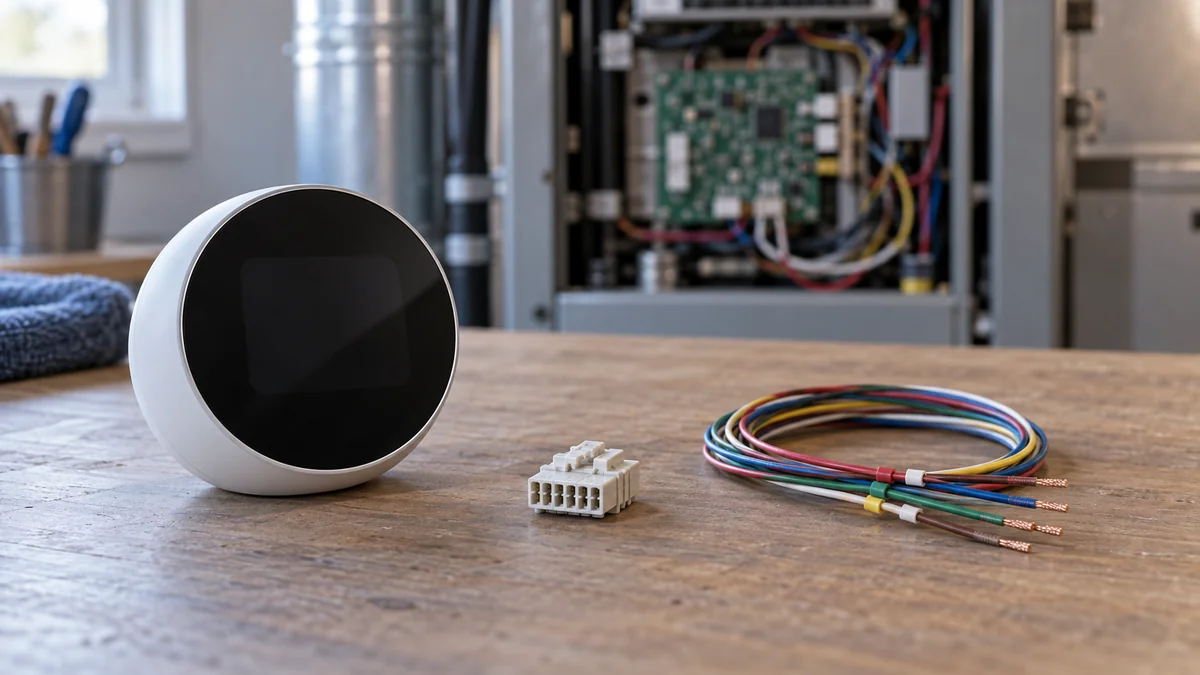
A smart thermostat C wire adapter is not a universal power supply.
Match the accessory to the exact thermostat model and the HVAC maker’s compatibility result; for Nest, ecobee, and Honeywell Home, that normally means the maker’s own connector or extender rather than a generic plug-in part.
If the equipment is not a 24-volt system, has more than one R wire, or lacks a conventional control board, stop and ask an HVAC technician to identify the system.
The smart-home troubleshooting map can help you separate a power fault from a Wi-Fi failure. Before opening an equipment cabinet, use the home installation guide to record the model label, access limits, and the person qualified to do the work.
Smart thermostat C wire adapter choices start with the model
The C wire is the common side of a low-voltage HVAC circuit. It gives a Wi-Fi thermostat a steady return path for power, but the accessory that creates that path can change terminal functions at both ends of the thermostat cable.
That is why “24 volts” alone does not prove compatibility.
Google’s Nest Power Connector specification says the connector works only with listed Nest thermostats and compatible 24 VAC systems. It excludes millivolt and high-voltage equipment, and Google warns that some third-party adapters can cause problems or damage even when their listings claim Nest compatibility.
For an ecobee, the manufacturer’s Power Extender Kit page says its kit requires a 24 VAC system and at least four thermostat wires. Honeywell Home takes another branch: its adapter check expects specific G and Y terminals and sends two-transformer systems to support.
Those are three different product rules for parts sold under the same broad name.
“How can I add a C wire to my thermostat?” — a DIY Stack Exchange homeowner
The useful answer begins with the thermostat’s full model number, not with the blue wire behind the wall plate. Wire colors are clues, not circuit labels, and an unused conductor is useful only after its other end and the equipment terminals are identified.
Use this four-path check before spending
Take one clear photo of the thermostat terminals and one of the equipment label without moving wires. Then enter the labels exactly as shown into the thermostat maker’s compatibility checker.
Do not rely on a marketplace listing that says “works with all smart thermostats.”
| What the official check shows | Best next path | Do not buy yet when |
|---|---|---|
| A spare conductor and an approved C terminal | Ask the maker or technician to confirm that the spare wire can serve as C | The far end is not identified or the system has multiple control boards |
| No spare conductor, but the maker approves its power accessory | Use the exact brand and model listed for that thermostat | The accessory manual does not name your thermostat or system type |
| No approved accessory path | Get a quote for a new thermostat cable | A seller proposes repurposing an unrelated terminal without the maker’s diagram |
| High voltage, millivolt, two R wires, or uncertain equipment | Have an HVAC technician identify voltage and transformer layout | Always; this is a diagnosis before a purchase |
Choose the power path, not the cheapest part
Path one is the cleanest: an existing spare conductor preserves normal fan and compressor controls, provided the system manufacturer approves the connection. The visible wall end alone cannot confirm that path.
Path two avoids a new cable: a brand power connector or extender combines or reroutes signals according to that product’s design. It is not a simple wall transformer, so substituting another brand can change which terminal functions the thermostat expects.
Path three costs more but ages better: a new multi-conductor cable leaves a dedicated common conductor and avoids tying the next thermostat purchase to one adapter. Ask the installer to quote access repair separately, since wall and ceiling access may cost more than the cable.
Path four is not a shopping problem.
A professional diagnosis is the right purchase when the voltage, transformer count, or control architecture is unclear. Paying for identification first is cheaper than replacing a control-board fuse, thermostat, or damaged equipment after a guess.
Stop at voltage, extra R wires, or missing terminals
A wall thermostat labeled 120 V or 240 V, thick conductors joined with wire nuts, or a line-voltage heater control is outside the normal smart-thermostat C-wire path. Google lists high-voltage and millivolt systems as incompatible with the Nest Power Connector.
Do not fit a 24-volt accessory to either system.
Two separate R wires can indicate two transformers. Honeywell Home’s official C-wire guide directs that arrangement to additional support rather than its standard adapter sequence, because joining transformer circuits incorrectly can damage equipment.
A heat pump, zone panel, boiler relay, humidifier, or equipment interface module adds another compatibility layer. The thermostat maker may support the system but require a particular power accessory, terminal mapping, or professional installation.
“The screen turns on” is not a complete test.
After an incorrect power workaround, heating may run without cooling, the indoor fan may lose independent control, or the thermostat may drop offline when a call for heat begins. These symptoms mean the control path needs diagnosis; they do not prove that a stronger adapter is required.
Turn off the HVAC system at its service switch or breaker before a qualified person opens the equipment cabinet. If you cannot verify that power is off, cannot identify the voltage label, or see scorched terminals, leave the cabinet closed.
Make the app error your purchase test
Before buying anything, save the exact error code or power warning the app shows. Google’s Nest support pages separate codes that point to a C wire or Power Connector from codes that mean a missing control wire or an equipment fault, so the exact string decides which of the four paths you are on.
The distinction protects your return window.
Write four lines on the receipt or in a phone note: thermostat model, compatibility-check result, original warning, and chosen power path. After installation by the appropriate person, verify that the warning is gone and that heating, cooling, fan control, and Wi-Fi each work through a full call cycle.
If the original warning remains, do not stack another adapter onto the system.
Return to the maker’s support flow with the saved model and error information. A repeatable code gives support or an HVAC technician a better starting point than “the thermostat keeps dying,” and it prevents a second blind hardware purchase.
Run the manufacturer’s compatibility checker now, then photograph both terminal panels before ordering a smart thermostat C wire adapter.

Bolt & Bulb covers what goes wrong after the unboxing: devices that drop off Wi-Fi, dimmers that flicker with LED bulbs, locks that will not fit a rental door. The site draws on manufacturer documentation, platform support pages and release notes, and attributed owner reports in public forums.