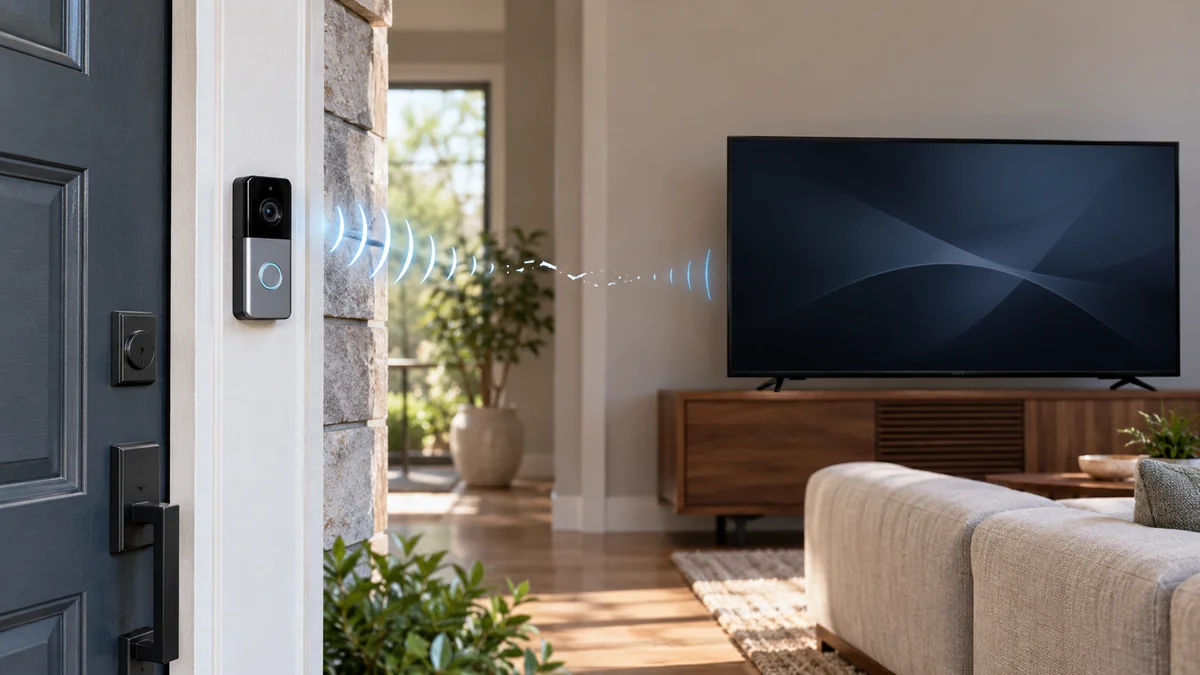
Ring doorbell on Samsung TV not working? Check the TV’s model year before you reset either device.
Samsung says Ring doorbell and camera integration ended on its 2018–2021 TV model years, while its current doorbell instructions center on 2022 and newer sets.
If your TV is supported, sort the fault into one of four results: no Ring tile, no pop-up, a pop-up with no video, or video with no talk.
Each one fails at a different handoff.
The smart-home troubleshooting map explains why testing one handoff at a time beats a factory reset. The home installation guide keeps mounting and doorbell power questions separate from this TV integration.
Ring doorbell on Samsung TV not working? Check the year
Start with the full model code on the TV’s rear label or in Settings, then confirm its model year on Samsung’s support page for your country.
The purchase year isn’t reliable. A set bought in 2022 can still be a 2021 model.
Samsung’s current SmartThings TV guide says Ring integration is no longer supported on Samsung TV model years 2018 through 2021. It also describes doorbell notifications on 2022 and newer TVs and smart monitors.
That date changes the decision immediately: don’t replace a working Ring doorbell to recover a feature Samsung retired on the TV side.
| What you have | What Samsung documents | Decision |
|---|---|---|
| 2018–2021 Samsung TV | Ring integration no longer supported | Stop setup work; use the Ring app or another supported display |
| 2022 or newer TV | Doorbell notifications supported on compatible devices | Continue to account and notification checks |
| Ring Doorbell 3 or Pro | Two-way talk is documented | Test talk only after the video appears |
| Another Ring model | Options vary by model | Do not assume a visible tile guarantees video or talk |
Samsung specifically names Ring Doorbell 3 and Pro for two-way talk, and its guide says Ring Doorbell Pro can send video to 2022-and-newer TVs. Treat those names as a documented floor, not proof that every later Ring product supports every TV feature.
Name the failure before you unlink anything
“Not working” covers four different failures. Run one physical doorbell press while the TV is on, then write down the first thing that does not happen.
- No Ring device on the TV: check the Samsung account and Ring partner link first.
- Ring appears, but no pop-up arrives: check the TV’s SmartThings notification switch and test a doorbell press rather than motion.
- A pop-up appears, but video stays blank: the event path works; model support, software, or the video path is now the narrower problem.
- Video opens, but talk does not: verify that the exact Ring model supports two-way talk before changing network settings.
This split prevents a common wasteful move: removing a healthy cloud link because one display feature failed.
“The TV displays the pop-up notification but the video does not load.” — a SmartThings Community member
The pop-up proves the TV received an event.
It doesn’t prove that the TV supports or can load the live-video stream.
Before touching SmartThings, open Live View in the Ring phone app. If the phone can’t load video either, fix the Ring device’s connection or power path first; the television is downstream.
Run four checks in this order
- Write down both model identities. Record the Samsung TV model code and year plus the exact Ring product name. “Samsung Smart TV” and “Ring doorbell” aren’t compatibility checks.
- Prove each device works alone. Confirm that the TV reaches an internet app and that Ring Live View opens on the phone. This does not prove integration, but it removes two unrelated outages.
- Verify the cloud account link. In the SmartThings phone app, choose Add device, then Partner devices, select Ring, and finish the Ring account authorization. Samsung’s current instructions require that link when Ring is first added.
- Enable the television notification. On the TV, open Connected Devices, SmartThings, Settings, and Notification. Find the doorbell name used in the phone app and select Ring until its indicator is blue.
Samsung’s Ring connection guide puts the partner-account link in the mobile SmartThings app.
Samsung’s US TV guide also says the TV should use the same Samsung account as the SmartThings phone app.
Use one physical button press for the retest. Motion is a separate notification choice, so enabling it can create extra pop-ups without proving that the doorbell-press route works.
If Ring still doesn’t appear after a successful account link, update the TV software and restart the TV before unlinking anything. Unlink and authorize Ring again only when the device tile itself is missing; repeated relinking won’t add an unsupported video feature.
A pop-up without video is still a useful result
Once the pop-up arrives, account authorization and basic event delivery have passed. Now compare the exact Ring model with the TV’s documented options and test Live View again from the Ring phone app.
Don’t begin with a factory reset.
A factory reset erases known-good account and app state while leaving an unsupported model-year combination unsupported. It also makes the original symptom harder to reproduce.
If you own a 2018–2021 TV, use the phone app for Ring events unless a TV upgrade already makes sense for other reasons.
A doorbell replacement alone cannot restore an integration Samsung no longer supports on those model years.
If a 2022-or-newer TV passes the account and notification checks but a documented Ring model still fails, take the model codes and failed-step note to Samsung support. That evidence is more useful than saying the doorbell “doesn’t work.”
Do this now: find the TV model code and model year, then run one button-press test. For a ring doorbell on Samsung TV not working, that single result tells you whether to stop at compatibility or continue with settings.

Bolt & Bulb covers what goes wrong after the unboxing: devices that drop off Wi-Fi, dimmers that flicker with LED bulbs, locks that will not fit a rental door. The site draws on manufacturer documentation, platform support pages and release notes, and attributed owner reports in public forums.