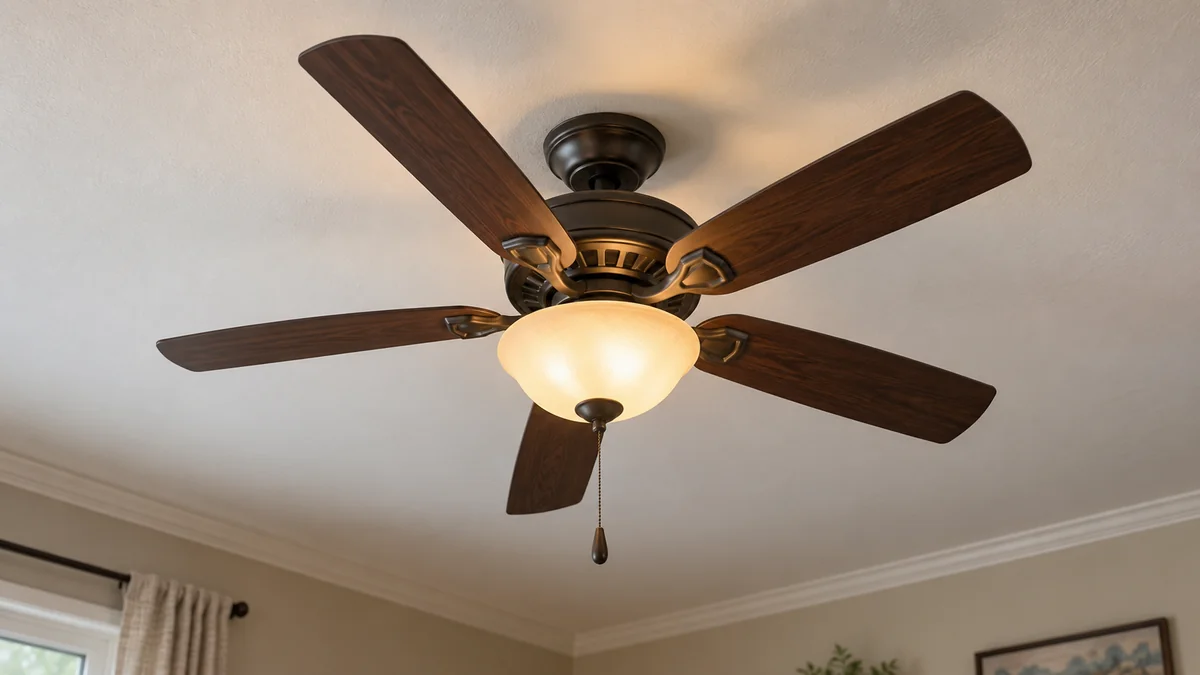
If your ceiling fan hums but won’t spin, switch it off instead of leaving the motor energized or pushing a blade to start it.
After the breaker is off, a blade that moves freely points away from a physical jam, but it does not prove that the capacitor is bad.
Check the normal controls and the model number before you buy anything; opening the housing or changing wiring belongs to the model instructions and, unless you are qualified, a licensed electrician.
Keep the stalled motor off while you investigate
A hum tells you that some part of the fan is energized. The light may still work because the light and motor use different paths inside the fixture, so a glowing bulb doesn’t clear the motor, receiver, or fan control.
Don’t leave the fan humming while you search. A stalled motor isn’t cooling itself through normal rotation, and repeated attempts add no useful evidence.
Switch the fan off at its control. If you will touch the blades, switches on the fan body, or any removable part, turn its circuit off at the breaker first.
Stop immediately if you smell hot insulation, see discoloration, hear noise at the breaker, notice a loose canopy, or find cracked hardware. Keep people out from under a visibly loose fan.
The U.S. Consumer Product Safety Commission’s home wiring guide treats heat, damaged electrical parts, and exposed components as hazards rather than troubleshooting clues. Those signs call for an electrician, not another test.
“The motor makes a distinct humming noise but the blades do not spin.” — a Casablanca owner describing the same symptom
That report captures what you can observe.
It doesn’t identify the failed part, which is why ordering a generic capacitor from the sound alone is a poor bet.
When a ceiling fan hums but won’t spin, test it with the power off
Wait for the blades to stop, turn the breaker off, and verify that the fan no longer responds to its light or remote. Do not remove the canopy, switch housing, or wall plate for this test.
- Look for a blade touching a light shade, pull chain, trim piece, or loose object.
- With power disconnected, move one blade gently through part of a turn. Do not force it.
- Note whether the blades move smoothly, scrape at one point, or resist through the whole turn.
- Find the brand and exact model number on the manual, receipt, or accessible label specified by the manufacturer.
- Restore power only after everyone and every object is clear, then make one brief control check.
Hunter’s official ceiling fan troubleshooting guide starts with the breaker, wall switch, remote batteries, pull chain, reverse switch, and whether the blades move freely. It lists the internal connector assembly, capacitor, receiver, and controls as possibilities when power is present but the blades stay still.
That list matters because the hand test can rule in mechanical resistance, but it cannot distinguish four electrical components hidden in the fan.
If the blades scrape or bind with the breaker off, stop. An obstruction you can remove without dismantling the fixture is one thing; a tight motor, shifted housing, or damaged mount needs model-specific service.
A new installation and an old failure are different cases
A fan that hummed from its first switch-on has a different history from one that worked for eight years and stopped today. For a new installation, an incompatible wall control, a connector, assembly alignment, or shipping damage stays high on the list. Use the installer or warranty path before paying for speculative parts.
Look at the control without removing its wall plate. A household light dimmer is not automatically a ceiling-fan speed control. Hunter’s noise guidance says solid-state speed controls and incompatible receivers can create hum, and it tells owners to confirm compatibility in the model manual.
If the fan previously worked, start with what changed. Replace a remote battery, re-pair the remote exactly as the manual says, and make sure a physical reverse switch is fully on one side while the fan is off. If a new wall control was installed just before the failure, tell the installer its exact model.
Nothing changed? Write that down too.
Age plus symptom can support a diagnosis, but it still isn’t proof. Hunter says a failed capacitor may cause humming, failure to start, or missing speeds. The same manufacturer also names receivers, wiring harnesses, controls, and motors for a powered fan whose blades do not turn.
Repair only when the part can be matched
Use the result below to choose the next expense. It is a decision table, not a wiring procedure.
| What you found | Best next move | What not to buy yet |
|---|---|---|
| New install, first-use hum | Installer or manufacturer support | Generic capacitor |
| Blades bind with breaker off | Model service or replacement quote | Remote receiver |
| Blades move freely; control changed | Verify fan-control compatibility | Complete fan |
| Blades move freely; old fan; parts available | Ask for model-matched diagnosis and repair | Look-alike electrical part |
| Hot smell, damaged housing, loose mount, or unavailable parts | Keep it off and get an electrician or replacement | DIY repair kit |
Hunter’s official capacitor page requires the fan model and says capacitors differ in voltage and microfarad ratings. The practical meaning is simple: “ceiling fan capacitor” is not a sufficient specification.
For a supported model, ask whether the receiver, model-specific connector assembly, or capacitor is sold separately and whether the motor or electronics remain under warranty. A matched, available part makes repair plausible. An unidentified fan, cracked housing, motor smell, or repeated electrical failure moves the decision toward replacement.
This is also where the home installation guide helps: the replacement choice includes the support box and mounting conditions, not just blade span and finish. If a smart wall control is involved, use the layer-by-layer checks in the smart home troubleshooting guide before blaming its app.
Make a three-line note before you call
Support or an electrician can make a faster decision when you provide three facts: the exact fan and control model, whether the blades move freely with the breaker off, and whether the fault began at installation or after normal operation. Add any heat, smell, scraping, speed loss, or recent control change.
Do not open the housing just to make that list. Internal diagnosis can involve stored charge, mains wiring, and a ladder; this article intentionally stops before those steps.
Switch the fan off now.
Record those three lines, then contact the manufacturer for a matched part when the fan is supported or a licensed electrician when the symptom points inside the housing, the mount is suspect, or any heat or damage is present.

Bolt & Bulb covers what goes wrong after the unboxing: devices that drop off Wi-Fi, dimmers that flicker with LED bulbs, locks that will not fit a rental door. The site draws on manufacturer documentation, platform support pages and release notes, and attributed owner reports in public forums.