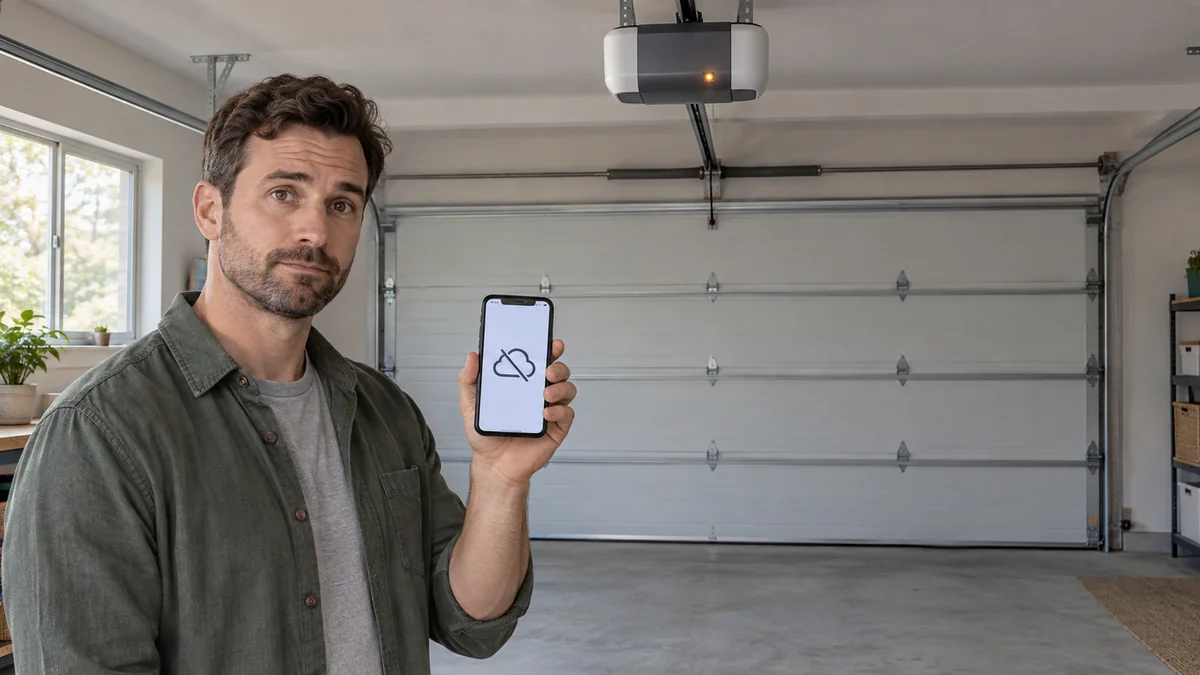
If your smart garage door opener offline warning appears while the wall control still moves the door normally, the motor usually isn’t the first suspect.
The lost link is more often power to the smart module, home WiFi, internet service, or the maker’s cloud.
Don’t factory-reset it yet.
First record what still works, any recent router change, and the opener or hub’s exact LED pattern. Those three facts tell you whether to reconnect, improve coverage, wait for a service recovery, or call support.
The short answer: treat the door mechanism and the internet connection as separate systems. A working wall button does not prove the app path works, and an offline app does not prove the opener needs replacement.
Why offline can describe four different failures
A smart opener sends a command across several handoffs: the app account, the vendor’s service, your internet connection, the garage WiFi link, and finally the opener or add-on hub.
“Offline” only says that the full path is broken.
It doesn’t name the broken handoff.
Chamberlain’s current myQ offline guide starts with device power, internet and router status, recent network changes, and the device LED. That order matters because a new SSID or password needs a reconnect, while a whole-home outage does not justify erasing the opener.
Keep the physical door test narrow. With the door closed and everyone clear of its path, note whether the normal wall control produces smooth, ordinary movement.
Stop if the door binds, jerks, reverses unexpectedly, hangs crooked, makes a new grinding sound, or has a damaged spring or cable. Those are door-system problems for a trained garage-door technician, not WiFi troubleshooting.
Run four safe checks before changing settings
- Check the local system. Confirm the opener has power and that its usual wall control behaves normally. Do not adjust travel, force, springs, cables, or safety limits while investigating an app warning.
- Check the wider outage. See whether a phone on home WiFi can load a fresh page and whether another user sees the same device status. If every internet device is down, fix the modem or provider outage first.
- Write down what changed. A replaced router, new internet provider, renamed SSID, changed password, or altered security mode is direct evidence for reconnection. Do not delete the device merely because its saved network is old.
- Read the correct indicator. Find the LED for the built-in WiFi opener or the separate smart hub, not a work light or door sensor. Photograph the color and blink pattern before pressing a button.
Built-in WiFi and an add-on hub are not the same product path. Chamberlain sends built-in openers to its opener LED troubleshooting guide, while separate hubs use their own power and connection checks.
This is the point most generic advice skips.
“Power cycle provides a connection for a little while then right back to offline.” — a homeowner describing a recurring hub failure in r/myq
A brief recovery is evidence, not a cure. Record how long it stays online and whether the LED changes again. Repeated loss in the same spot points to signal, router compatibility, or maker support rather than another identical reboot.
Smart garage door opener offline? Let the LED name the handoff
The exact colors vary by model, so use the label and manual for your opener. Still, the stages behind those lights are consistent enough to prevent random resets.
| What you observe | What it narrows down | Next action |
|---|---|---|
| No device light and no normal local response | Power or opener fault | Stop network work and use the model’s power check or qualified service |
| Setup or learn pattern | The device is not joined to home WiFi | Use the maker’s app-led connection path for that model |
| Router-connection pattern | The opener cannot complete the local WiFi handoff | Check garage signal and supported router settings |
| Internet or server pattern | WiFi may be joined but the cloud handoff is incomplete | Check internet service and vendor status before resetting |
| Connected pattern but app says offline | Account app or cloud state may be stale | Confirm the account and ask maker support to check device status |
Signal comes before router surgery. The manufacturer’s network requirements call for available 2.4 GHz WiFi, a visible network name, personal WPA2 or WPA3 security, and DHCP.
Do not weaken security or expose a hidden network just to force a test.
Reconnect once, then stop repeating the same reset
If the router name, password, provider, or hardware changed, use the manufacturer’s reconnect flow. The myQ reconnection guide says an already-listed offline device should be updated through its WiFi settings, one device at a time.
Retry setup once near the opener, with Bluetooth enabled if the app requests it. If it fails at the same LED stage, save a screenshot, the opener model, app version, router model, security mode, and the time of failure for support.
A factory reset is a different action.
Chamberlain’s factory-reset warning explicitly says not to use it merely because a device appears offline or the router changed. On a garage opener, a factory reset can erase programmed remotes, keyless entry devices, connected accessories, and vehicle links.
Buy coverage hardware only after a phone or WiFi analyzer shows weak service at the opener and the device works reliably nearer the router.
Buy a replacement hub only after support confirms compatibility and the hub fails on a known-good network.
Replace the opener only for a confirmed control-board or radio failure when a compatible add-on controller is unavailable or poor value. A working door with one failed cloud link is not, by itself, a reason to replace the lifting system.
Three questions people ask after the warning
Will the wall button still work without internet?
Usually, local wall control is separate from remote cloud control, but you must follow the exact opener manual. If local movement is abnormal, stop using the door and treat that as a mechanical or opener-service problem.
Should I add a mesh node in the garage?
Only after measuring weak WiFi where the opener or hub sits. Good phone service beside the door is a clue, not proof that a ceiling-mounted 2.4 GHz device has a stable link.
Place any access point according to its maker’s temperature and moisture limits.
When is support better than more troubleshooting?
Contact the device maker when the same LED stage returns after one documented reconnect, the app and LED disagree, or the device stays offline on a supported network with strong signal. Call a garage-door technician instead when local motion, safety reversal, springs, cables, or balance are involved.
For failures across several connected devices, use the smart-home troubleshooting map to separate router, cloud, and single-device faults. If better coverage needs a shelf or wall-mounted access point, plan its location with the home-upgrade installation guide before drilling.
Do this now: take one photo of the LED and write down whether the wall control works, whether home internet works, and what network setting changed most recently.

Bolt & Bulb covers what goes wrong after the unboxing: devices that drop off Wi-Fi, dimmers that flicker with LED bulbs, locks that will not fit a rental door. The site draws on manufacturer documentation, platform support pages and release notes, and attributed owner reports in public forums.