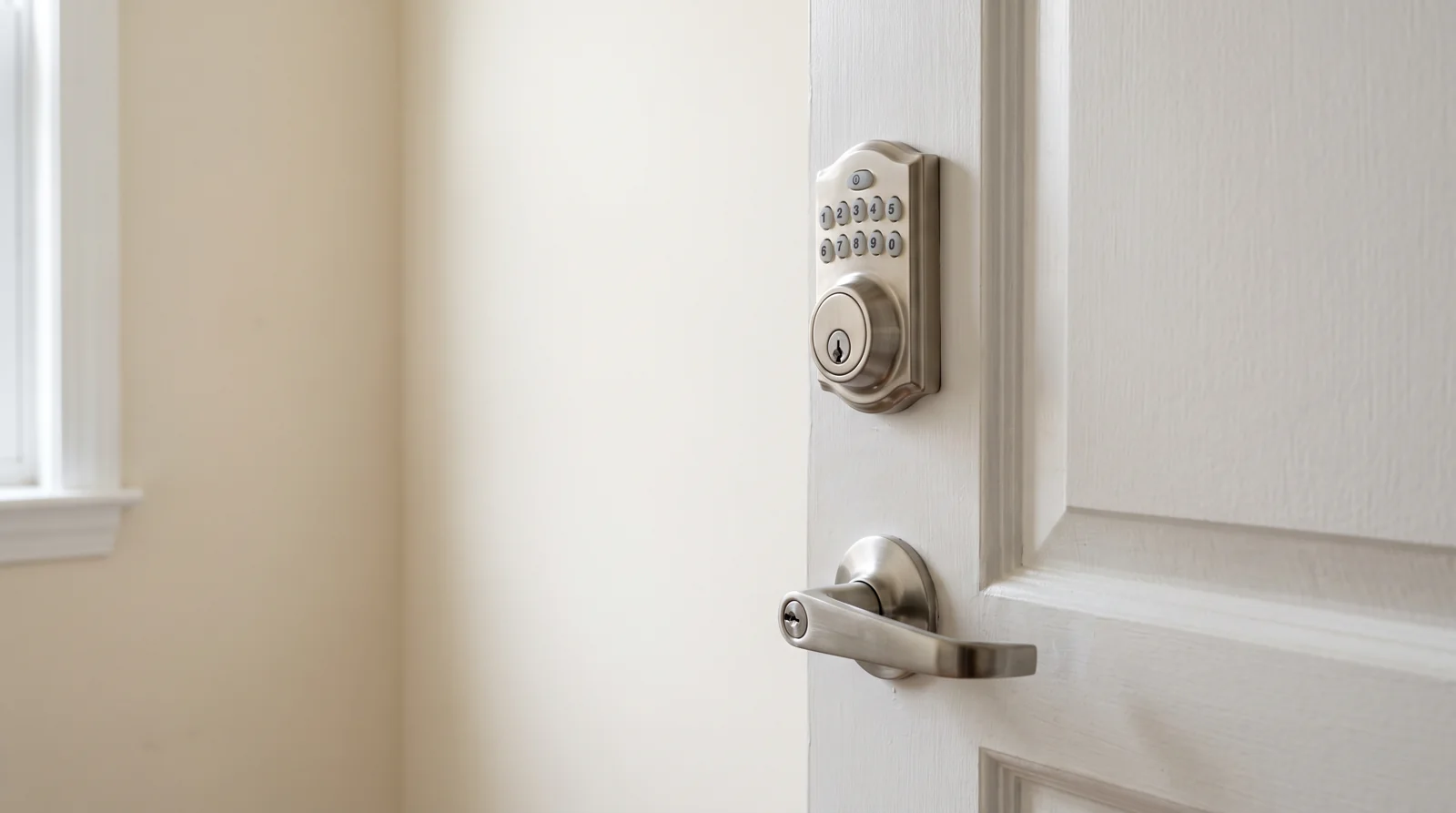
A smart lock compatible with Home Assistant is one with the right radio inside it: Z-Wave, Thread, Zigbee or HomeKit. The brand on the box barely matters. Yale sells locks that run locally and locks that route every unlock through a server in another country, and the product pages call both of them smart.
So look at the radio, not the logo.
The four radios that make a smart lock compatible with Home Assistant
Every supported lock arrives through one of these paths, and the path decides what you get.
| Path | You also need | Works with no internet |
|---|---|---|
| Z-Wave | A Z-Wave stick in your server | Yes |
| Matter over Thread | A Thread border router nearby + the Matter server | Yes |
| Zigbee | A Zigbee stick in your server | Yes |
| HomeKit | Nothing extra | Yes |
| Wi-Fi or Bluetooth bridge | The maker’s cloud account | No |
For Z-Wave, Home Assistant’s own guidance is to buy an 800-series adapter with firmware at 7.23.2 or newer, and it lists the Aeotec Z-Stick Gen5+ and Zooz ZST10 as sticks it can find on its own. Locks pair with encryption, and the Z-Wave documentation is direct about which one you want: S2 by default, with the older S0 kept around only for devices too old to do better, because S0 floods the network with extra traffic.
Matter is the newer local route. The catch is in the Matter integration docs: a Thread device needs a Thread border router near it, and the Matter server itself won’t run on a 32-bit machine. Locks are on the supported device list.
HomeKit is the path people forget. Home Assistant speaks the protocol directly, and its docs describe HomeKit as local and offline, working without anything from Apple. Locks are supported. There’s one hard rule attached to it, and it bites people the day the lock arrives — more on that below.
The question that actually separates them: can you set a PIN from Home Assistant?
Turning a lock on and off is the easy part. Almost anything can do that. The real test of a lock integration is whether Home Assistant can manage the keypad codes, because that’s what makes automations worth building — a code that works for the dog walker on Tuesdays, a code that expires when the guest leaves.
Two paths pass that test today.
Z-Wave exposes actions that write a user code into a specific slot on the lock, read codes back, and delete them. Matter exposes its own set: create and clear PIN credentials, manage lock users, and ask the lock what it’s capable of holding.
Cloud integrations mostly don’t. You get lock, unlock and a battery number. If your plan involves rotating codes, that gap is the whole decision.
What to check before you buy a smart lock for Home Assistant
Five minutes on the product page saves a return.
- Find the radio in the specifications. If the page only says “works with the app” and lists Wi-Fi, treat it as a cloud lock.
- Z-Wave locks are sold by region. A European-frequency lock won’t talk to a North American stick, and vice versa. Match the region to your controller.
- If it’s Matter, confirm it’s Matter over Thread rather than Matter over Wi-Fi, then confirm you have a border router in range of the door.
- If it’s HomeKit, check whether it’s already paired to something. It can only belong to one controller at a time.
- Search the model number plus “Home Assistant” and read the forum thread before the review. Someone has already tried it.
That last one isn’t laziness. Lock firmware varies inside a single model line, and the person who hit the bug three months ago wrote it down.
When the answer is “it works, but”
Cloud locks aren’t unsupported. They’re supported with strings attached, and the strings are documented.
Take the August and Yale Access integration. It covers August locks from the first generation onward and Yale Assure models, which sounds like broad coverage until you read the requirements: most of those devices need an August Connect bridge or doorbell to reach Home Assistant at all, and the integration is classed as cloud push. Some values update slowly because the manufacturer doesn’t offer a push API for them. Your internet goes down, your automations go with it.
HomeKit locks have a different string. The HomeKit Device integration states it plainly: a HomeKit accessory can only be paired to one controller at once. If the lock is already in Apple Home, you remove it there first, or you factory reset it. There’s no sharing. People discover this at the top of a ladder.
Zigbee locks sit in a third category. The radio is local and fine, but lock support in Zigbee has always been patchier than in Z-Wave, so this is the case where the forum search matters most.
None of this makes a cloud lock a bad lock. It makes it a bad foundation for automations you want to survive an outage.
The pattern under all of this
Compatibility questions in a house almost never turn on the brand. They turn on one line in the specifications that the marketing copy is designed to keep you from reading. It’s the same shape as asking whether a dimmer switch will work with LED bulbs — the box says dimmer, the answer lives in a rating printed somewhere less convenient.
Once you know which line to look for, both questions take a minute.
Do this before you order: open the lock’s spec sheet and find the word Z-Wave, Thread, Zigbee or HomeKit. A smart lock is compatible with Home Assistant on the strength of one of those four words. If none of them is there, you’re buying a cloud lock, and that’s a decision worth making on purpose rather than by accident.
More in this section: Smart home troubleshooting starts here.

Bolt & Bulb covers what goes wrong after the unboxing: devices that drop off Wi-Fi, dimmers that flicker with LED bulbs, locks that will not fit a rental door. The site draws on manufacturer documentation, platform support pages and release notes, and attributed owner reports in public forums.