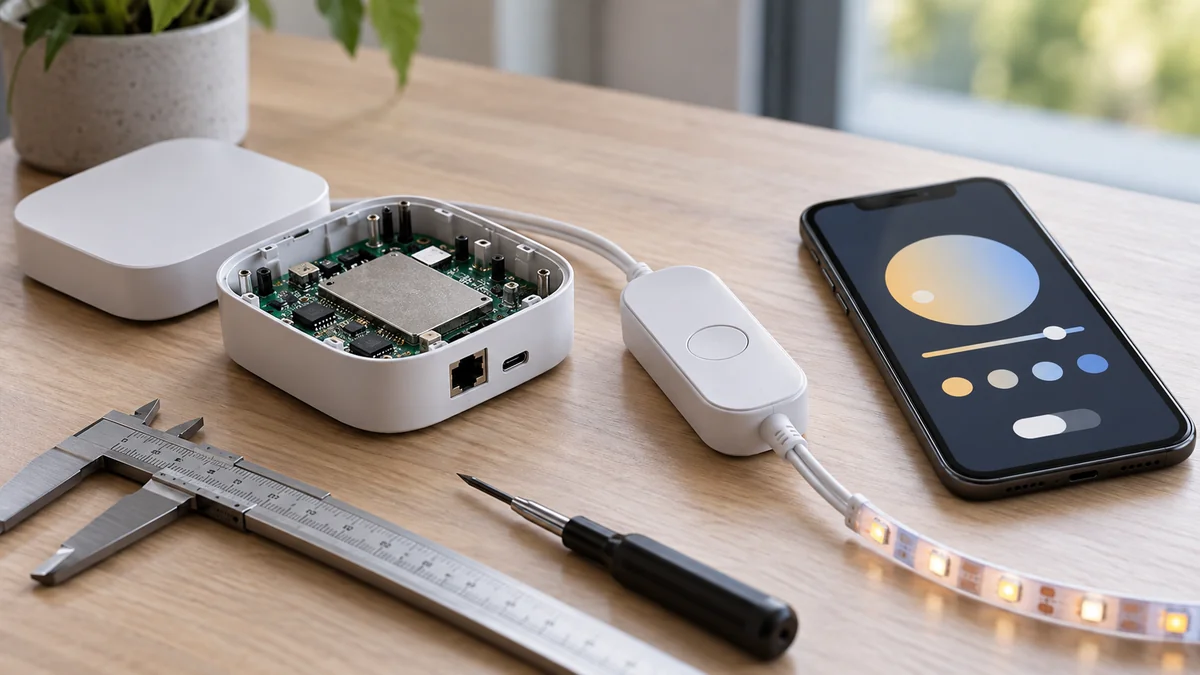
A third-party Govee HomeKit bridge is unnecessary when the exact Govee model has Matter and provides the controls you need in Apple Home.
If the model has no Matter code, an Apple home hub will not add that missing hardware. Your real choice is to maintain a community Homebridge plugin, keep using Govee Home, or replace the device.
Write down the model number and the Apple Home controls you require before buying another box.
Keep the site’s smart-home troubleshooting map nearby. It separates an accessory path from a network or controller failure without turning every problem into a reset.
Find the control path from the exact model
“Govee light” is not a compatibility result. The product family, hardware revision, and control box can change the available path while the lights look nearly identical.
Govee’s Matter FAQ, checked October 23, says the previous products covered by that page cannot gain Matter because of hardware limitations. It tells owners of a Matter-capable product to find a QR code or device number on the product or in Device Settings.
That statement does not identify every current Govee model.
Match the complete model number to its current product page or manual. Then look for an actual Matter code rather than treating an Apple Home logo, a family name, or a retailer category as proof.
Govee lists on/off, brightness, color temperature, and color changing among the controls in its Matter FAQ. A scene, music mode, or segmented effect in Govee Home should not be assumed to appear in Apple Home.
List the controls you would miss. Compatibility is useful only if it preserves the job you bought the light to do.
Govee HomeKit bridge choices have three different costs
The word “bridge” hides three separate purchases: supported Matter hardware, a computer that runs community software, or replacement lighting. Compare their ongoing cost as well as the checkout price.
| Evidence on your exact model | Best path | Cost you accept |
|---|---|---|
| Matter is documented and a code is present | Pair directly with Apple Home | Possible limits on Govee-only effects |
| No Matter but the plugin documents a working connection | Use Homebridge if you already maintain it | Server updates credentials and plugin support |
| No documented path or one-light setup with no server | Replace with an exact compatible model | Higher upfront price but less upkeep |
Direct Matter is the first choice when the exact model supports it. It removes a community plugin and an always-on server from the chain.
Homebridge makes more sense when several older devices still work well and you already operate the server. Starting that system for one inexpensive light usually moves cost from hardware into maintenance.
For several lights, compare one server’s yearly upkeep with replacing every unit. For one light near its return deadline, a documented Matter replacement is usually cheaper once your time and recovery work count.
Keeping Govee Home alone is also a valid answer when Apple automations are optional and Govee-only effects matter more.
Do not buy an Apple hub from one generic claim
Apple’s current support pages do not describe the home-hub requirement the same way.
The Matter pairing page, checked October 23, says an iPhone on iOS 18 or later can add and control Matter accessories without a home hub. A separate home-hub page says a home hub must be set up to add Matter accessories.
Neither difference proves which path your model, region, Apple software version, remote access plan, or shared home will use.
Govee’s FAQ describes its Matter path as Wi-Fi, not Thread. Do not buy a Thread border router to solve a generic Govee bridge query unless the exact product documentation names Thread.
Check four conditions together: the complete Govee model, the iPhone and iOS version, the Apple device already acting as a home hub, and whether you need remote control, sharing, or automations.
Buy an Apple hub for a documented missing function, not as a guess that it will convert a non-Matter Govee light.
Homebridge trades replacement for maintenance
The homebridge-govee project is community software, not an official Govee or Apple bridge. Its current documentation says connection methods vary by model and account capability.
The plugin can use Govee OpenAPI, cloud or Bluetooth paths, and LAN control on certain models. It also says most cloud, AWS, or Bluetooth connections require Govee credentials, while only some models can use local LAN control without them.
That is not one universal local bridge.
“How well does the Govee plugin for Homebridge work?” — a HomeKit community question
The useful answer begins with the model and connection method, not a star rating. Check the plugin’s current supported-device notes, required Node and Homebridge versions, credential path, and issue history for that model.
Count the server as part of the product.
It must stay powered, receive updates, survive account or API changes, and be recoverable by someone in the home.
Do not choose this path for a safety-critical light or household routine unless the fallback still works when Homebridge is down. Native control should remain understandable.
Choose the path you can maintain next year
Make a seven-line evidence card: full model, firmware, Matter code present or absent, controls needed in Apple Home, Govee-only features used, plugin connection method, and existing always-on server.
Choose direct Matter when the exact product documents it and its exposed controls are enough. Choose Homebridge only when the model has a supported connection, the older hardware is worth keeping, and you already accept server upkeep.
Replace the device when Apple Home is required but neither condition is true. That is a cleaner purchase than adding a server, credentials, and another failure point to rescue one light.
If the light loses power at the wall, solve that physical control problem before judging any bridge. The smart bulb and wall switch guide shows why a working integration still fails after power is cut.
Do this now: photograph the model label and search its current documentation for Matter. A Govee HomeKit bridge decision becomes simple once you know whether you are pairing supported hardware, maintaining community software, or replacing the light.

Bolt & Bulb covers what goes wrong after the unboxing: devices that drop off Wi-Fi, dimmers that flicker with LED bulbs, locks that will not fit a rental door. The site draws on manufacturer documentation, platform support pages and release notes, and attributed owner reports in public forums.