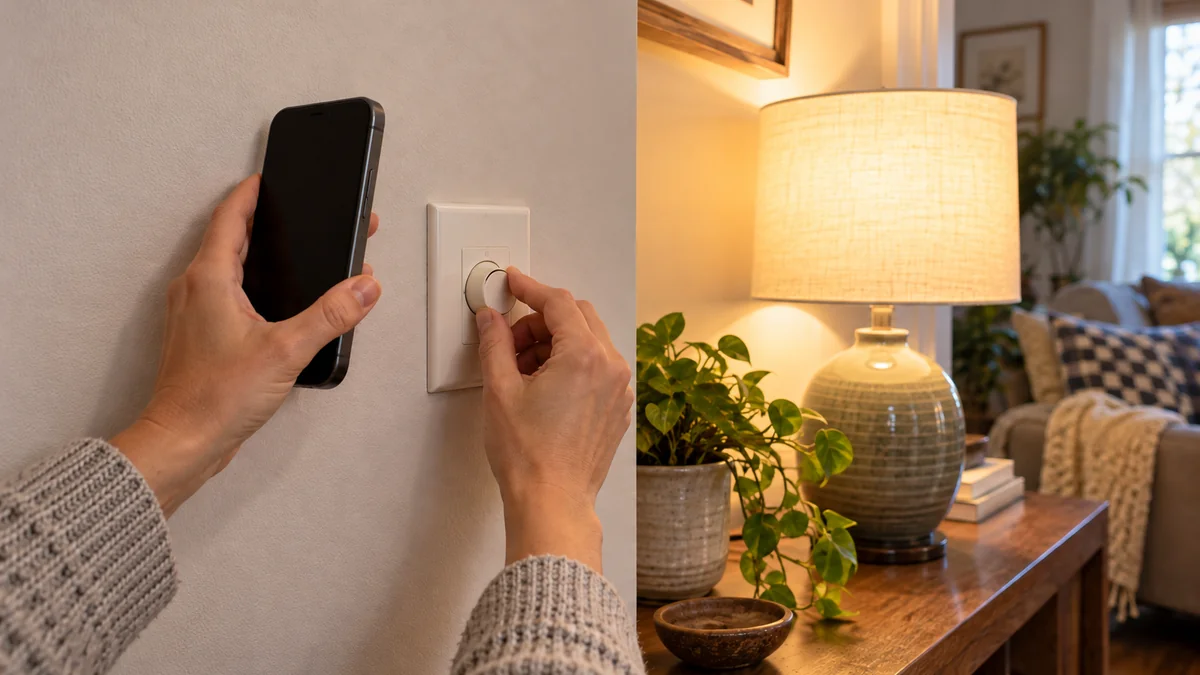
Dimmer switch buzzing with LED lights calls for a location test before a replacement.
If the lamp buzzes only at the lowest setting, raise the low-end trim exactly as that dimmer’s manual directs. If the noise spans the full range, match the exact bulb and dimmer models in a manufacturer test tool instead of buying another part at random.
Stop using the control and call a qualified electrician if the wall plate is unusually warm, discolored, loose, crackling, or accompanied by a burning odor.
Do not remove the wall plate or touch wiring for this diagnosis.
The earlier LED bulb and dimmer compatibility guide explains why an LED label and a large watt rating do not prove a good pairing. This check starts after the light has already made noise.
Map dimmer switch buzzing with LED lights at three levels
First, turn off fans, music, and nearby appliances. Stand in the normal listening position and move the dimmer through high, middle, and low brightness without removing any cover.
Record two facts at each level: whether the sound comes from the lamp or the wall control, and whether it is absent, faint, or plainly audible. Do not put your ear against the switch.
This is a map, not an electrical test.
A low-end-only lamp buzz points toward the bottom of the usable dimming range. Lutron’s current Maestro guidance says to raise the low-end setting until low-level buzzing stops.
A lamp that buzzes at every level needs a different check. The same Lutron page directs owners to its LED Finder or the lamp maker’s required dimmer type when noise continues throughout the range.
That distinction saves the wrong purchase. A setting can move the usable floor, but it cannot turn an untested bulb-control pair into a verified one.
Write the middle setting down even when both ends sound clean. A note that reads “quiet at the bottom, audible at half, quiet at the top” points at the dimming range, while a note that reads “it buzzes” points nowhere.
That difference decides your next move. A range-specific record sends you to the low-end setting or to the compatibility tool, and a one-line complaint usually ends in another part swap.
Change only the control the manual allows
Write down the dimmer model, the bulb or fixture model, the number of lamps, and the total listed LED wattage.
A family name such as “Maestro” or “Decora” is not specific enough because controls within one family can have different ratings and setup methods.
Then follow this order:
- Confirm that every lamp on the control is marked dimmable. Smart or connected bulbs may explicitly forbid wall-dimmer use.
- Check the dimmer’s LED load rating rather than an incandescent number printed prominently on an older control.
- Search the dimmer maker’s compatibility tool for the exact bulb or fixture model and the exact control model.
- If noise occurs only at the bottom and the manual provides a front-accessible or button-based trim setting, follow that model’s instructions.
- Run the high-middle-low map once more. Keep the before-and-after record for support or an electrician.
Do not copy button sequences from a different dimmer. Even Lutron’s Maestro and Caséta support pages use product-specific controls, so the symptom can match while the adjustment method does not.
If the lamp is a smart bulb, a wall dimmer may be the wrong controller altogether. Use the maker’s approved power arrangement, then diagnose later network dropouts with the smart-bulb offline swap test rather than treating them as a dimming fault.
Do not bypass the dimmer, join conductors, or pull the device out as a home test. Those steps enter the wall box and erase the safe boundary of this check.
A matched pair has a measurable silence test
“LED compatible” on two separate packages still leaves a gap. Compatibility belongs to the bulb-and-dimmer combination, not to either label alone.
Leviton’s published test program checks dimming range, slow startup, inconsistent illumination, flicker, and humming or buzzing. It publishes only pairings that meet its criteria in the company’s selector.
That makes the exact model lookup more useful than a brand preference.
Lutron’s Best Dimming program gives audible noise a concrete test: bulb noise should not be audible from two feet away under its stated maximum-load condition. That is a performance criterion, not a promise that every listed room will sound identical.
It is also not a safety threshold.
Use the two-foot figure to compare a candidate pairing with a maker’s documented quality target. Do not use it to excuse crackling, odor, visible damage, or abnormal heat at a wall control.
If your exact pair is absent from both manufacturers’ tools, contact the dimmer maker with the four recorded details. Ask whether that combination was tested, what control type the LED requires, and whether any documented range setting applies.
No listing does not prove danger or failure. It means the purchase is still a trial, and a different model from the tested list is the cleaner choice when quiet dimming matters.
Stop when the sound is no longer just a lamp problem
Noise from the lamp at one brightness range and no other symptom is a compatibility problem to document. Noise at the wall control deserves a stricter boundary because the homeowner cannot verify the internal connection from the room side.
The Electrical Safety Foundation International lists buzzing together with flickering, discoloration, warm switches or outlets, and burning smells as reasons to have a qualified electrician inspect the system. One of those added signs ends the trim-and-lookup test.
Turn the light off if it is safe to operate the control normally. Do not keep cycling it to collect a better recording, and do not open the wall box to look for a loose connection.
An electrician can verify the control rating, load, connections, circuit condition, and required dimming method. Bring the model numbers and your three-level sound map so the visit starts with evidence rather than another blind part swap.
The home installation guide can help you record the fixture and control details without crossing into wiring work.
Do one thing now: listen at high, middle, and low brightness from a normal distance, then write down where the dimmer switch buzzing with LED lights is actually coming from.

Bolt & Bulb covers what goes wrong after the unboxing: devices that drop off Wi-Fi, dimmers that flicker with LED bulbs, locks that will not fit a rental door. The site draws on manufacturer documentation, platform support pages and release notes, and attributed owner reports in public forums.