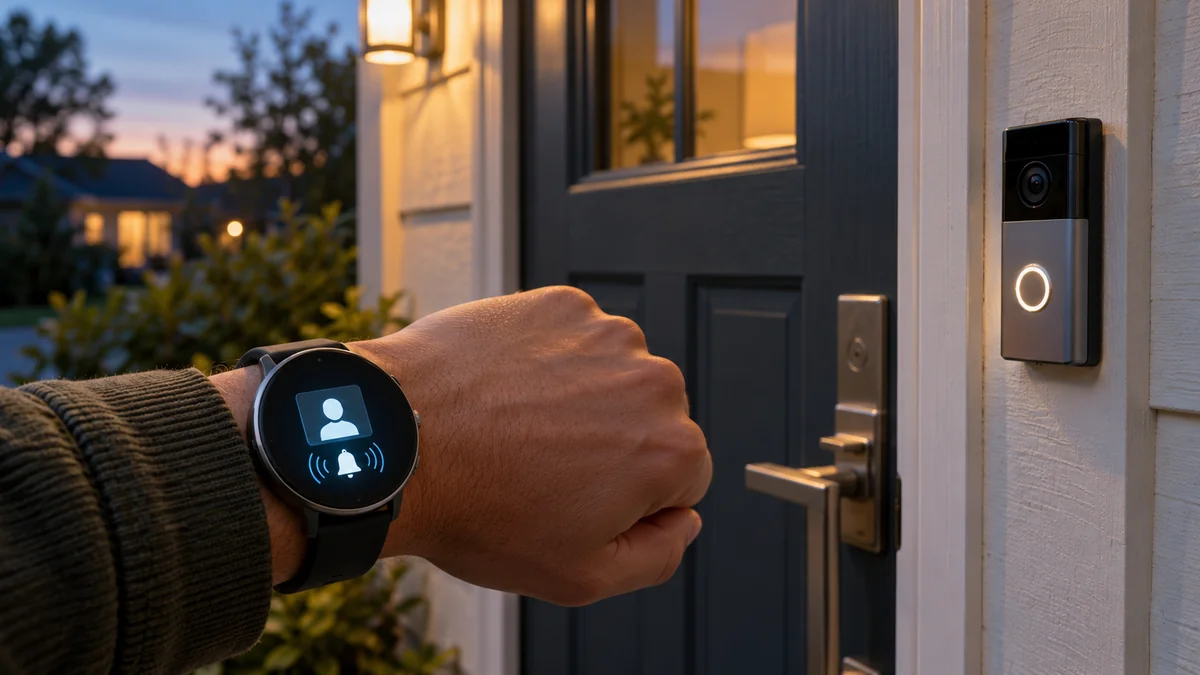
Does Ring Doorbell work with Samsung Watch? Yes, but there are two different levels of support.
The reliable path mirrors Ring and motion alerts from a paired Android phone.
Live video and two-way talk use the SmartThings watch app instead, and you should test that path on the exact watch and doorbell before buying either device for this feature.
There is no current native Ring app for Galaxy Watch.
The smart-home troubleshooting map can help when the phone receives an event but the watch does not. The home installation guide covers the doorbell’s power and mounting questions separately, so a watch notification problem does not send you back to the wiring.
Does Ring Doorbell work with Samsung Watch in two ways?
Start with alerts.
Ring’s current Google Play listing offers its app for phones, tablets, and desktop-class devices, not watches.
The phone app creates the Ring Alert or Motion Alert, and Galaxy Wearable decides whether that phone notification also appears on your wrist.
Ring’s Android notification guide explicitly tells smartwatch owners to check whether alerts are being sent to the watch instead of the phone. Samsung likewise says Galaxy Wearable can select which phone apps send notifications to a connected watch.
That confirms notification mirroring. It does not promise a camera feed.
| What you want on the watch | Required path | What the evidence supports |
|---|---|---|
| Doorbell-press or motion alert | Ring app on phone plus Ring enabled in Galaxy Wearable notifications | Current Ring and Samsung support documents describe phone alerts and watch notification controls |
| Open the native Ring watch app | None | The current Ring app listing does not offer a watch version |
| Live doorbell video | Ring linked in SmartThings plus the SmartThings Wear OS app | Samsung announced Ring live streams for supported Galaxy Watches and WebRTC cameras |
| Speak to the visitor | The same SmartThings camera path | Samsung’s watch announcement included two-way talk for Ring doorbell cameras |
Samsung’s 2023 announcement named Ring live streaming and two-way talk on Galaxy Watch. The release notes named Galaxy Watch4 and Watch5 models and Ring cameras that support WebRTC.
The date and model boundary matter. A marketing claim about “Galaxy Watch” is not proof that every older Tizen watch, fitness band, newer watch, region, and Ring model exposes the same camera tile today.
Set up the mirrored alert before adding SmartThings
Do not troubleshoot both routes at once. Make the phone produce a Ring alert first, then allow that known-good notification onto the watch.
- Open the Ring app on the phone, select the doorbell, and turn on Ring Alerts and Motion Alerts. Press the physical doorbell once and confirm that the phone receives the event.
- Open Galaxy Wearable on the paired phone, choose Watch settings, then Notifications and App notifications. Enable Ring in the phone-app list.
- Check the option that controls when phone notifications appear on the watch. Samsung notes that some setups send them only while the phone screen is off or locked.
- Turn off Do Not Disturb for the first test. Press the doorbell again, wait for its light cycle to finish, and note whether the watch vibrates and shows the event type.
Samsung’s current watch notification guide also lists “Show with details” and “Turn on screen.” Enable those only after the basic alert arrives; they change presentation, not the Ring-to-phone delivery path.
Test motion separately.
A successful button alert does not prove that Motion Alerts are enabled for that doorbell. Ring treats the two alert categories separately, and a motion schedule can suppress one while doorbell presses continue to arrive.
If the phone gets both events but the watch gets neither, stay in Galaxy Wearable. If the phone also misses them, return to the Ring device status, alert toggles, Android notification permission, and Focus settings before reinstalling anything.
SmartThings live video has a narrower promise
Video is not an expanded Ring notification.
It is a second integration in which SmartThings links to the Ring account and presents a compatible camera through its own phone and watch apps.
Samsung’s current Ring connection guide says to open SmartThings, choose Add device, choose partner devices, select Ring, and link the Ring account. The documented flow contains no SmartThings hub step, so do not buy a hub merely to perform this cloud account link.
Install or update SmartThings on the Wear OS watch and keep it connected to its phone. The current SmartThings store listing says its watch app works on Wear OS while connected to a phone.
“Install the SmartThings app on your watch, and … favorite the cameras you want to see” — a Galaxy Watch4 owner describing the 2023 setup
That report is useful as a setup clue, not a current compatibility guarantee. Software menus move, and the same thread includes a user who found that the camera path wanted Wi-Fi rather than the Bluetooth-only connection they expected.
There is also a documentation gap.
Samsung’s 2023 announcement names Galaxy Watch live video and talk, while its current Ring connection page lists phones, Samsung TVs, refrigerators, and monitors but not watches. The later page does not say watch support ended, yet it is not strong enough to promise the feature on a new purchase.
Treat the working camera tile as the proof. If Ring links on the phone but the doorbell never appears inside SmartThings on the watch, check app updates, region, phone connection, and the exact camera model; do not assume a factory reset or a new hub will create missing compatibility.
Run a two-event acceptance test before the return window closes
A store listing answers the broad compatibility question. This four-part test answers whether your combination does the job you are paying for.
- Press the doorbell while the phone is locked and confirm that the watch identifies a Ring event.
- Trigger one motion event and confirm that it remains distinct from a doorbell press.
- Open the Ring camera from SmartThings on the watch and wait for a live image, not a stale notification thumbnail.
- Start two-way talk, say one short sentence, and confirm at the doorbell that both directions are audible.
Repeat the alert test once while the phone screen is in use. That catches the Samsung setting that can keep phone notifications off the wrist until the phone is locked.
If you only need alerts, stop after the first two checks.
There is little reason to replace a working Galaxy Watch just to gain a native Ring app that does not exist. Mirrored alerts already answer the practical question of whether someone pressed the bell or motion was detected.
If live video is the purchase reason, keep the hardware only after checks three and four pass on your account, region, network, and exact models. A vague “Works with SmartThings” badge is weaker evidence than one successful live session from the wrist.
Run the four checks now and save the result; that is the safest answer to does ring doorbell work with samsung watch for your actual setup.

Bolt & Bulb covers what goes wrong after the unboxing: devices that drop off Wi-Fi, dimmers that flicker with LED bulbs, locks that will not fit a rental door. The site draws on manufacturer documentation, platform support pages and release notes, and attributed owner reports in public forums.