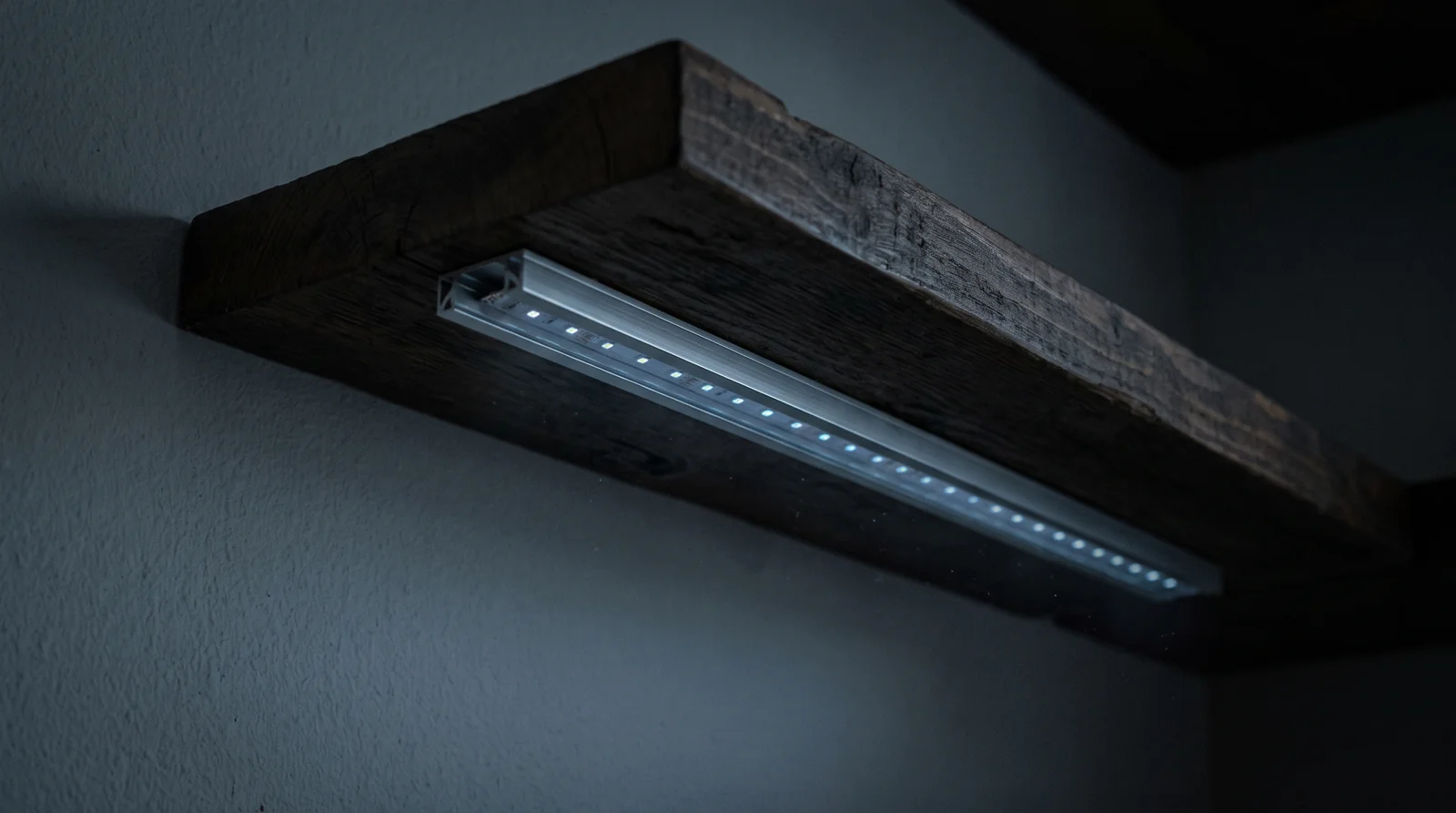
An LED strip flickering when off isn’t a defective strip, and replacing it won’t help. A small amount of current is still reaching the driver even with the switch flipped, and the driver is doing exactly what it’s built to do with it. Find what’s leaking and the flicker stops.
The common causes are a smart or dimmer switch that needs standby power, a locator light in the wall control, or a driver that stays energized after “off” was pressed on a remote. You can separate those cases without opening a wall box.
Why an LED strip flickering when off is a leak, not a fault
Your strip doesn’t run on wall voltage. It runs on a driver, which converts mains down to 12 or 24 volts, and that driver has a capacitor on its input. Capacitors charge from almost nothing.
So when a few milliamps sneak through the “off” switch, the capacitor slowly fills, hits the driver’s turn-on threshold, dumps into the strip, and empties. Then it starts over. That’s your flash.
Which is why the pattern tells you more than the brightness. Watch the strip in a dark room for two minutes:
| What you see | What’s happening |
|---|---|
| A brief flash every few seconds, repeating | Capacitor charging and discharging. Small, intermittent leak. |
| A steady faint glow that never changes | Continuous leakage current, enough to keep the driver partly awake. |
| Flicker only when something else switches on | Induced voltage from a neighbouring cable, not a leaking switch. |
People on forums describe this well. One long thread on strips flashing with the dimmer fully off lands on the same conclusion an electrician would: “LED strips can be so sensitive that they pick up all sorts of stray current and induced currents.”
Incandescent bulbs never did this. They needed real current to make any light at all, so a few milliamps did nothing and the whole problem stayed invisible for a century.
Three checks that name the culprit
Do these in order. You don’t need a meter and you don’t need to open a box.
- Define “off.” If you pressed a remote or app button but the driver is still plugged in, the low-voltage controller and driver remain powered. Unplug the driver. A flash that continues indefinitely after disconnection points to another power source and needs professional inspection.
- Read the control from the outside. Note whether it’s a dimmer, smart switch, motion sensor or a switch with a locator light. Don’t remove the wallplate. Those controls can pass a small standby current through a low-wattage LED load.
- Test a plug-in strip on a plain outlet. With the driver unplugged, move the complete driver-and-strip set to a known non-dimmed outlet. If the off-state flicker disappears there, the wall control and load are the compatibility pair to investigate. If it remains, replace the driver before the strip.
Lutron says this out loud in its own troubleshooting docs, which is more honest than most manufacturers manage. On why their smart dimmers make LEDs ghost:
“Caseta wireless digital smart dimmers still need to receive a small amount of power to be able to receive RF signals. This tiny bit of current can cause this bulb ghosting phenomenon.”
Their full page is worth two minutes if you have a smart dimmer in the circuit: Ghosting / blinking LED lights with Caseta dimmers.
The fixes, cheapest first
Start with the parts you can unplug. Stop before any mains connection.
For a plug-in strip, use a plain outlet. If the strip behaves there, keep it off the dimmed circuit or use a plug-in control approved for the driver’s load. Don’t assume every smart plug disconnects both conductors; follow its listed use and load rating.
Match the control and driver. Check the dimmer maker’s compatibility tool and the driver’s label. “Dimmable” alone doesn’t prove that two products work together at a low load.
Ask about a neutral-required control. Lutron explains that a neutral gives the control a separate path for its own electronics instead of passing standby current through the LEDs. Choosing and fitting one is an electrician’s job.
Use only a manufacturer-approved corrective device. Don’t put a generic resistor or capacitor across mains because a forum supplied a value. Lutron, for example, limits its own shunt capacitor to specified digital switches and warns not to use it with dimmers.
If a hardwired strip reacts when another circuit switches, stop testing. A qualified electrician can check the switching conductor, shared wiring and driver without turning a guess into a shock or fire risk.
Remote off isn’t the same as power disconnected
An app or remote usually tells the low-voltage controller to stop lighting the strip. It doesn’t necessarily disconnect the driver’s mains input.
If the strip flickers only after an app command, the controller or driver is the first suspect. Power the complete set from a plain outlet, use its normal off command, then disconnect the plug. That sequence tells you more than replacing the tape.
If the flicker happens only on the dimmed outlet, the strip may be fine. Keep the model numbers for the wall control and driver together because compatibility is a pair, not a badge on one box.
One more thing is worth separating out.
If a Wi-Fi strip stops responding rather than flickering, that’s a network fault. The DHCP lease issue that knocks smart speakers off Wi-Fi can hit LED controllers too, and electrical parts won’t solve it.
Where to stop and call an electrician
Two of the fixes above involve mains wiring. Here’s the line.
Fine to do yourself: switching on the low-voltage side, adding a plug-in smart plug, moving low-voltage cable, flipping breakers to test, swapping the strip or driver where both are plug-in.
Replacing a dimmer, fitting a corrective device at the fixture or working near a shared neutral isn’t a DIY job.
If the flicker started when an unrelated circuit was switched, shared wiring may be involved. Have a qualified electrician inspect it before you do anything else.
The same goes for any of this in a rental. A plug-in fix leaves no trace and needs nobody’s permission. Changing a switch is a different conversation.
Do this first: write down whether “off” means an app command, an inline switch or a wall control.
For a plug-in strip, test the complete set on a plain outlet. If the symptom follows the driver, replace the driver; if it stays with the wall control, take both model numbers to an electrician.
More in this section: Home installation guide for anchors, dimmers and LED strips.

Bolt & Bulb covers what goes wrong after the unboxing: devices that drop off Wi-Fi, dimmers that flicker with LED bulbs, locks that will not fit a rental door. The site draws on manufacturer documentation, platform support pages and release notes, and attributed owner reports in public forums.