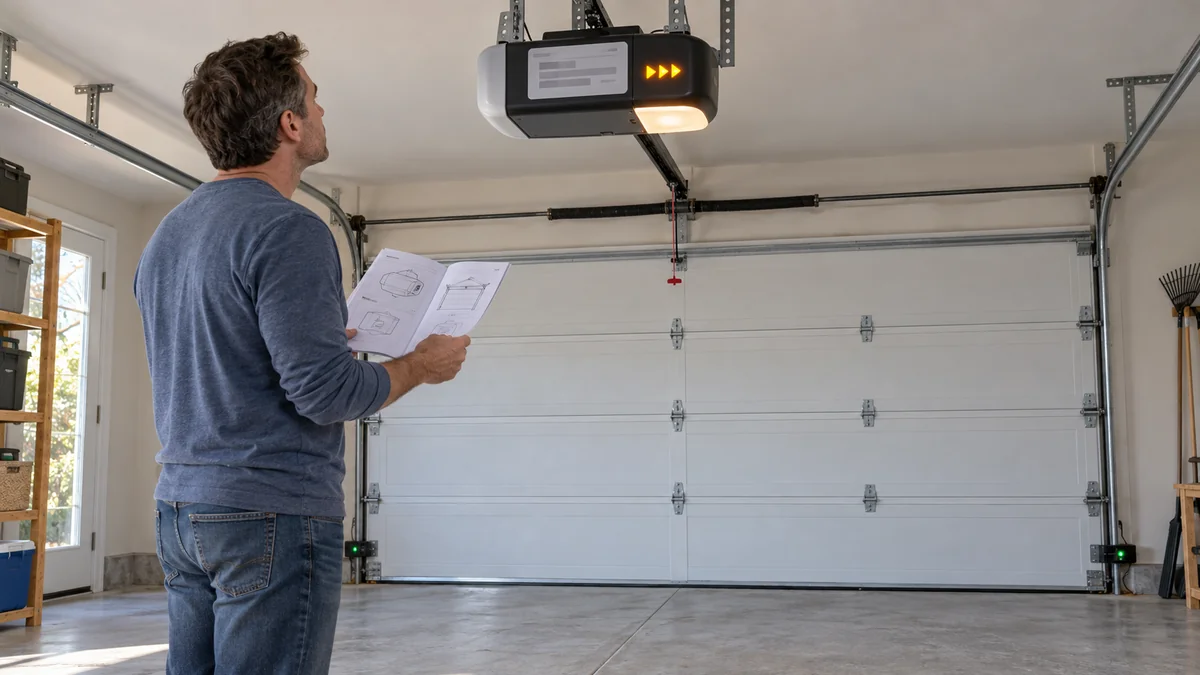
Garage door opener blinks but does not open? Don’t buy sensors or a logic board yet.
Identify which light is blinking, count the entire repeating pattern, and test the wall control separately from the remote.
If the motor hums, the door moves a few inches, or any spring or cable looks wrong, stop operating it and call a trained garage-door technician.
Garage door opener blinks but does not open? Name the light
“The light blinks” can describe four different indicators. They don’t share one code table.
- The large opener lamp may flash after a command.
- UP and DOWN arrows or a small LED may report a diagnostic code.
- The wall console may blink because a lock feature is active.
- The two photo-eye sensors near the floor have their own status lights.
Direction matters too. A safety-sensor fault usually blocks closing because those sensors protect the doorway during downward travel; it doesn’t explain every door that refuses to open.
A dirty or misaligned photo eye cannot explain a remote-only opening failure while the wall control still works.
The U.S. Consumer Product Safety Commission describes the electric eye as an external entrapment-sensing device for the closing path. That is why “check the sensors” is incomplete advice when the door won’t rise.
On some Chamberlain and LiftMaster systems, two flashes from the main lights can mean the wall control’s LOCK feature is on. The wall button may still operate the door while remotes do not.
That quick split costs nothing: try the wall control once, then the remote once, while keeping people and objects clear of the door.
One blink is not one universal diagnosis
Find the model number before searching the blink count. Brand-level advice is still too broad because one manufacturer can use different indicators across product generations.
Chamberlain’s current UP and DOWN arrow guide reads the two counts as a pair. One UP plus one DOWN points to a safety-sensor connection or alignment problem, while one UP plus five DOWN points to missing motor-speed feedback.
Genie’s official Excelerator chart assigns one repeating blink to a motor-drive-board interruption on the listed models.
The codes disagree. Match the manual to the model label, not a cross-brand chart in a search snippet.
Write paired arrows as two numbers, such as 1 UP and 5 DOWN. A note that says “five blinks” drops half of the diagnostic code.
A blink count on its own also drops you into the wrong manual section. A click, a short hum, and a door that jerks an inch are separate observations, and the arrow pair above is only readable next to them.
So write the sound and the indicator location in the same note.
One without the other sends the search straight back to a generic sensor answer.
Use the controls and movement as a four-way fork
Use the blink count only after one behavior test. The table directs you to a manual section, not a replacement part.
It doesn’t authorize internal repair, cover removal, or any spring or cable adjustment.
| What happens | What it narrows | Next safe move |
|---|---|---|
| Wall control works, remote does not | Lock mode, remote battery, or pairing | Read the wall-control and remote section for the exact model |
| No control works and no motor sound | Power, control, or electronics | Record the code, then use the model’s power-cycle instruction once |
| Motor hums or door moves only a few inches | Door load, drive, travel, or speed feedback | Stop repeated attempts and inspect only for visible damage |
| Door opens but will not close | Closing-path sensor or lock behavior | Clear the path and compare both sensor lights with the manual |
Chamberlain says code 1-5 can appear when the opener clicks or hums and the door moves less than roughly 6 to 8 inches. Its guide also says that result doesn’t prove the motor has failed.
That distinction can prevent an unnecessary opener purchase. A model-specific diagnostic may instead point to travel feedback, mechanical resistance, or a disconnected jackshaft mechanism.
Make one no-parts note before cutting power
Power cycling can clear a temporary electronics fault, but it can also erase the code you needed to identify it.
Capture this five-box note first:
- ☐ Brand, full model number, and approximate installation date
- ☐ Exact light that flashes and every count before the pause
- ☐ Wall control, remote, keypad, and app result
- ☐ Click, hum, motor movement, and inches of door travel
- ☐ Visible crooked track, loose cable, spring gap, or door damage
Now follow only the reset or power-cycle instruction in that model’s manual. Chamberlain’s electronics-fault path uses a five-second unplug on supported models; other models may specify something else.
If the code returns, the useful next step is a service call with that note. Repeating the button press can add load without adding evidence.
The stop line is the door hardware
Do not disconnect an open garage door from its opener. A door that drops, sits crooked, has a loose cable, or shows a broken spring is already beyond a homeowner diagnostic.
Never loosen springs, cables, pulleys, bottom brackets, or spring hardware. Those parts store or carry enough force to cause severe injury.
The Door & Access Systems Manufacturers Association’s consumer inspection checklist treats spring containment, manual operation, and automatic-reversal features as safety checks. A failed check changes the decision from opener troubleshooting to trained service.
If the closed door looks intact but feels unusually heavy under the procedure in its own manual, stop there. The opener isn’t meant to compensate for a door that its springs no longer balance.
Use the home installation guide to plan safe mounting and clearance questions. If the opener still responds in an app but not at the wall, the smart-home troubleshooting map can separate a control-path failure from door hardware.
Do one thing now: photograph the label and the complete repeating light pattern before unplugging anything.
When a garage door opener blinks but does not open, that two-photo record is more valuable than a guessed sensor kit.

Bolt & Bulb covers what goes wrong after the unboxing: devices that drop off Wi-Fi, dimmers that flicker with LED bulbs, locks that will not fit a rental door. The site draws on manufacturer documentation, platform support pages and release notes, and attributed owner reports in public forums.